Managing your Tasks
Whether you create tasks for yourself or they are assigned to you by a teammate, you can manage your to-do list in several places.
Tasks on the Dashboard
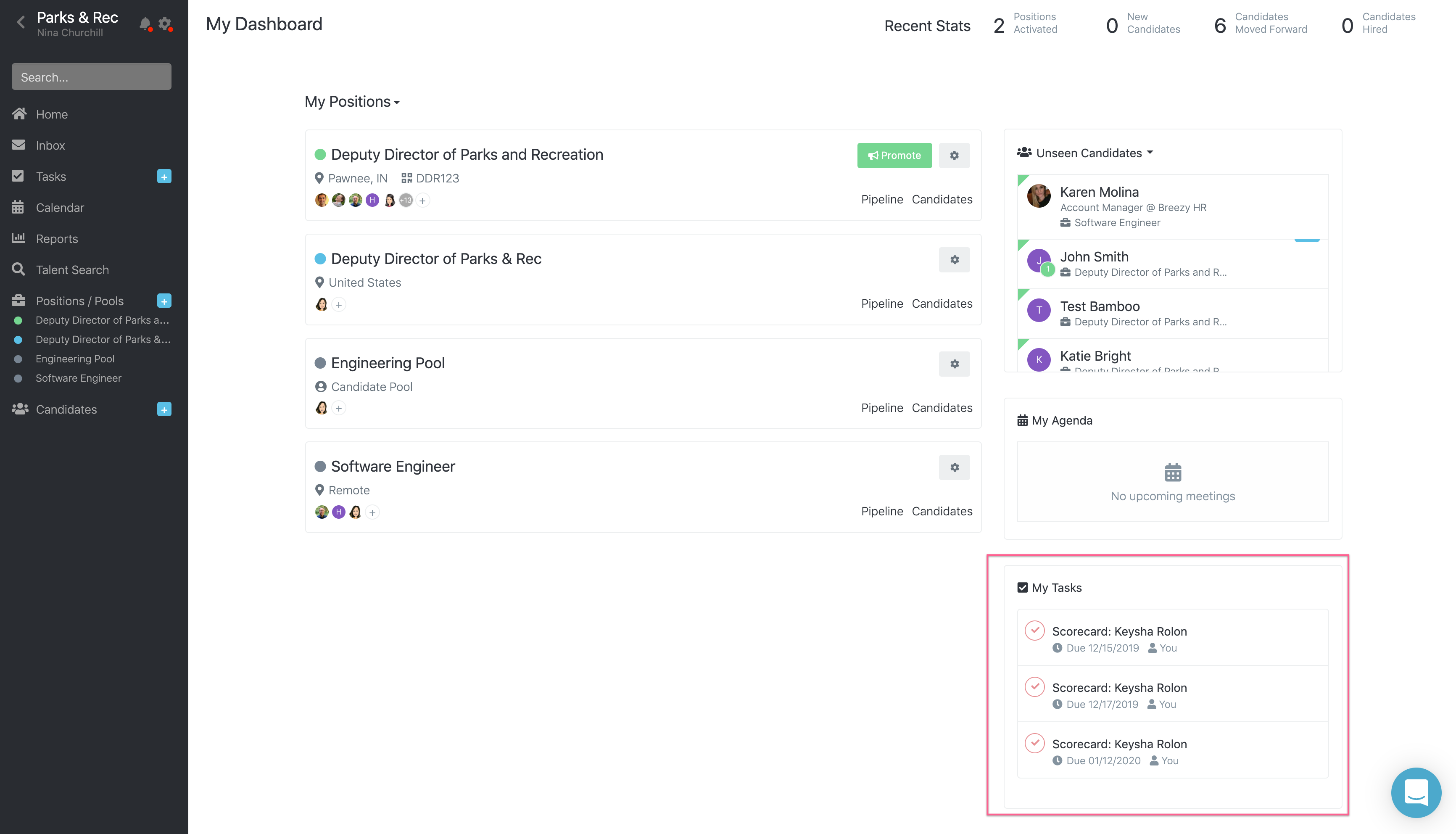
On your dashboard, you can see a list of incomplete tasks that have been assigned to you. Click the check  to mark a task as complete, or click the task name to see more details.
Tasks in the Left Sidebar
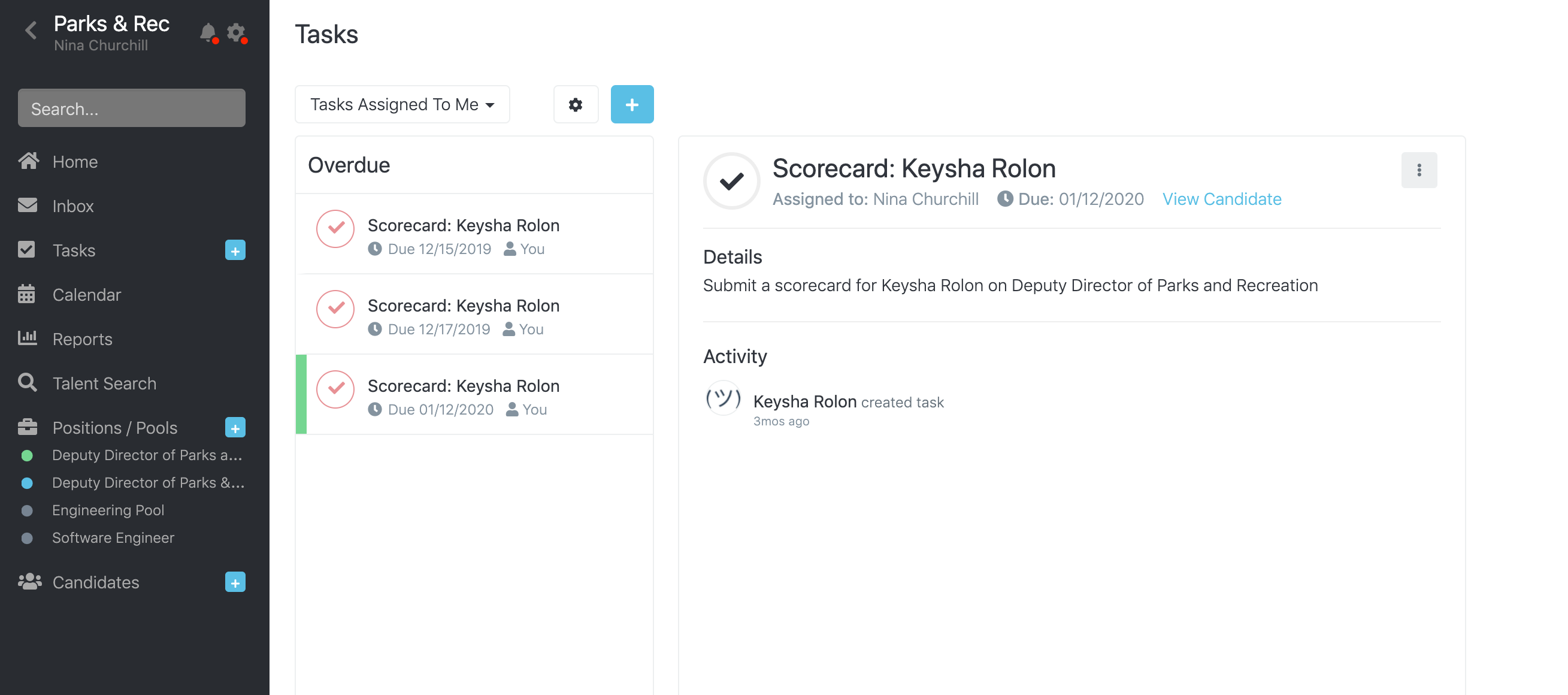
Inside the global tasks view (from the left sidebar), you can see all of the tasks assigned to you, as well as the tasks that you have assigned to others. The task list can be filtered by status, to see only complete or incomplete tasks.
- Click Tasks in the left sidebar.
To filter tasks by assignment:
- Click the assignment drop-down field located above the task list.
- Select Tasks Assigned To Me or Tasks I've Assigned.
To filter tasks by status:
- Click the gear
 located above the task list.
 - Select Incomplete Tasks, Completed Task, or All Tasks.
- Click the check to mark a task as done, or click the task name to see more details.
Tasks by Position
You can access tasks related to a position from the Tasks page of the position. Hiring team members can see the tasks they have created or that are assigned to them, while hiring managers can see all tasks associated with the position.
- Open the appropriate position.
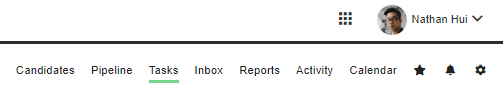
- Click Tasks in the top-right menu on the page.
- You can filter the tasks by assignment or status:
To filter tasks by assignment:
- Click the assignment drop-down field located above the task list.
- Select Tasks Assigned To Me or Tasks I've Assigned.
To filter tasks by status:
- Click the gear located above the task list.
- Select Incomplete Tasks, Completed Task, or All Tasks.
- Click the check to mark a task as done, or click the task name to see more details.

Tasks by Candidate
You can access tasks related to a specific candidate from the Tasks page of the candidate's profile.
- Open the candidate's profile.
- Click Tasks at the top of hiring team actions section.

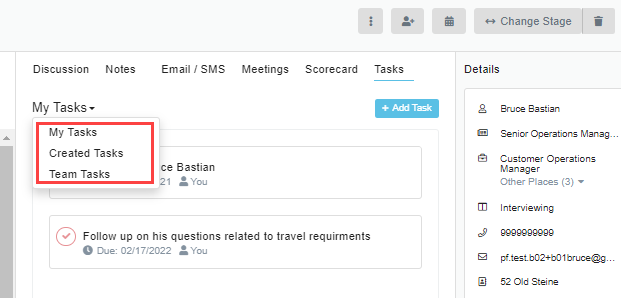
- You can filter the tasks by assignment:
- Click the assignment drop-down field.
- Select My Tasks, Created Tasks, or Team Tasks.
- Click the check to mark a task as done, or click the task name to see more details.